
Closed beta
Not just how much — what.
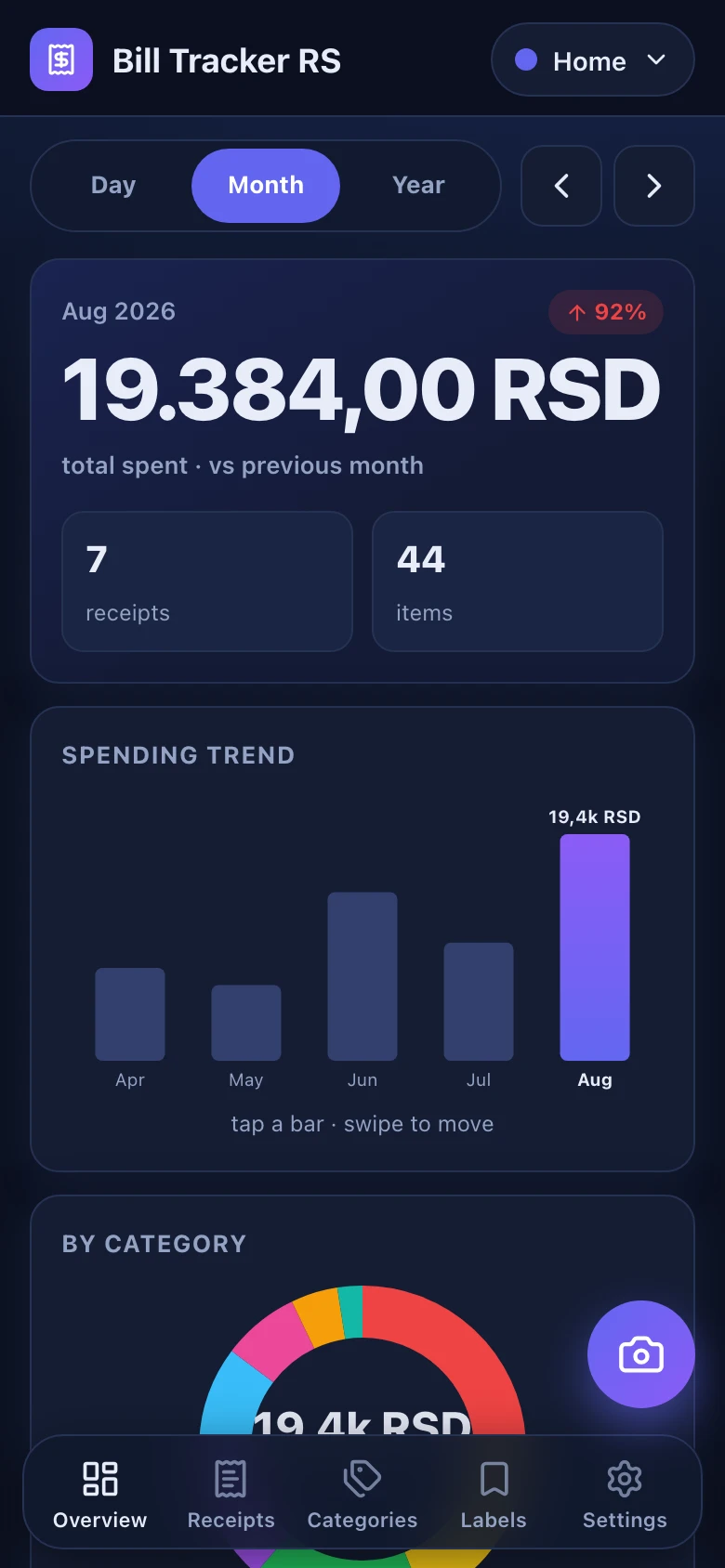
Scan the QR code on any Serbian fiscal receipt. Bill Tracker RS parses every line item, auto-categorizes it, and shows your spending by day, month, and year.
The difference
Every other receipt app stops at the total.
Merchant, date, amount — that is where they end, and it is the least interesting part of the receipt. Bill Tracker RS reads the item lines underneath, so a month is not one number but a list of the things you actually bought.
A real receipt
HEDONIST DOO
Pančevo · 113297465
27.08.2026. 21:52:47
- Next jabuka 0,2355,00
- Orangina425,00
- Veliki espresso190,00
- Rosa gazirana 0,75490,00
H3FPYZ94-H3FPYZ94-51901
Verified
Not a mock-up. This is the verification response for a receipt from HEDONIST DOO in Pančevo, parsed exactly the way the app parses it.
How it works
Scan the QR code
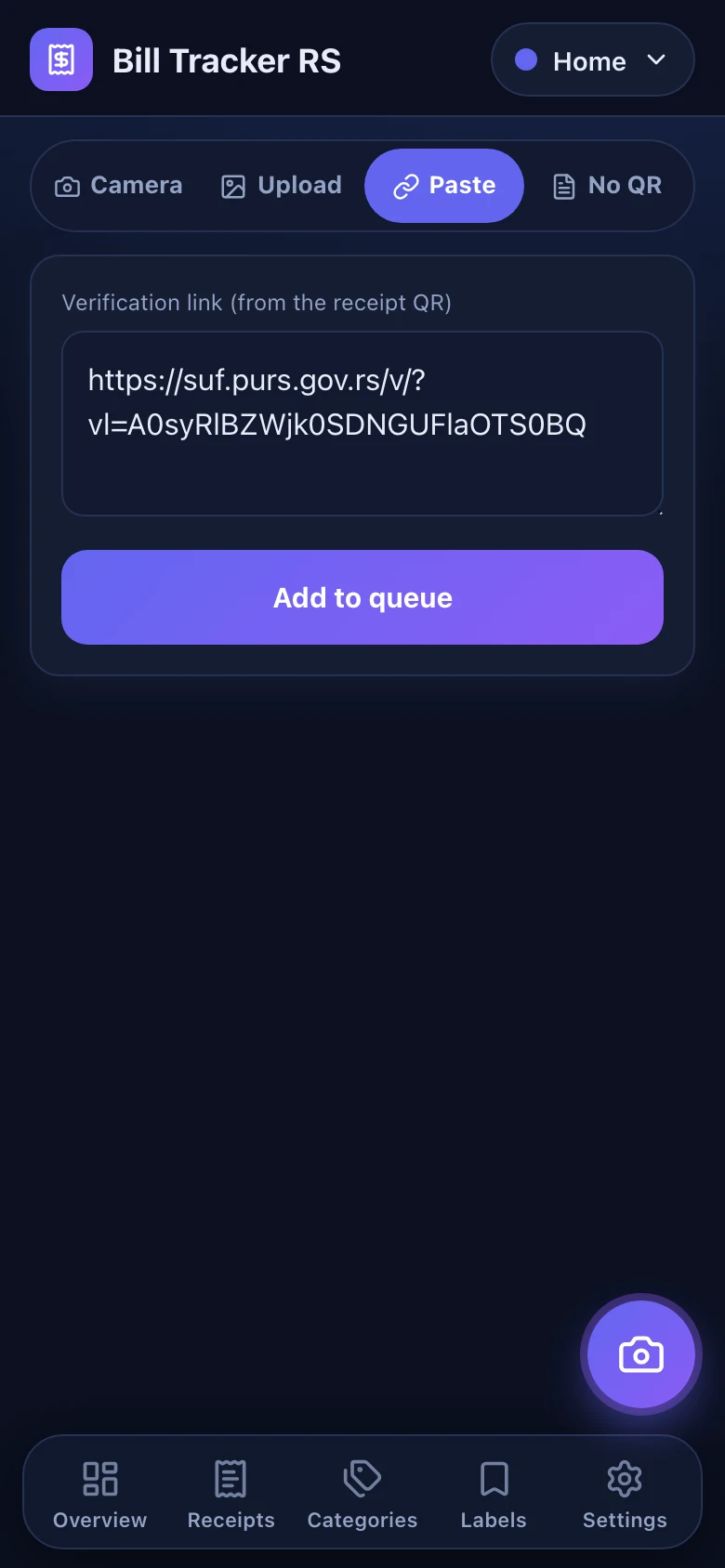
Point your camera at the QR code printed on the receipt. You can also paste the link, or paste the printed tape as text.
Verify with the tax authority
The receipt is fetched from the tax authority's own verification endpoint. Nothing is typed in by hand and nothing is guessed from a photo.
Track your spending
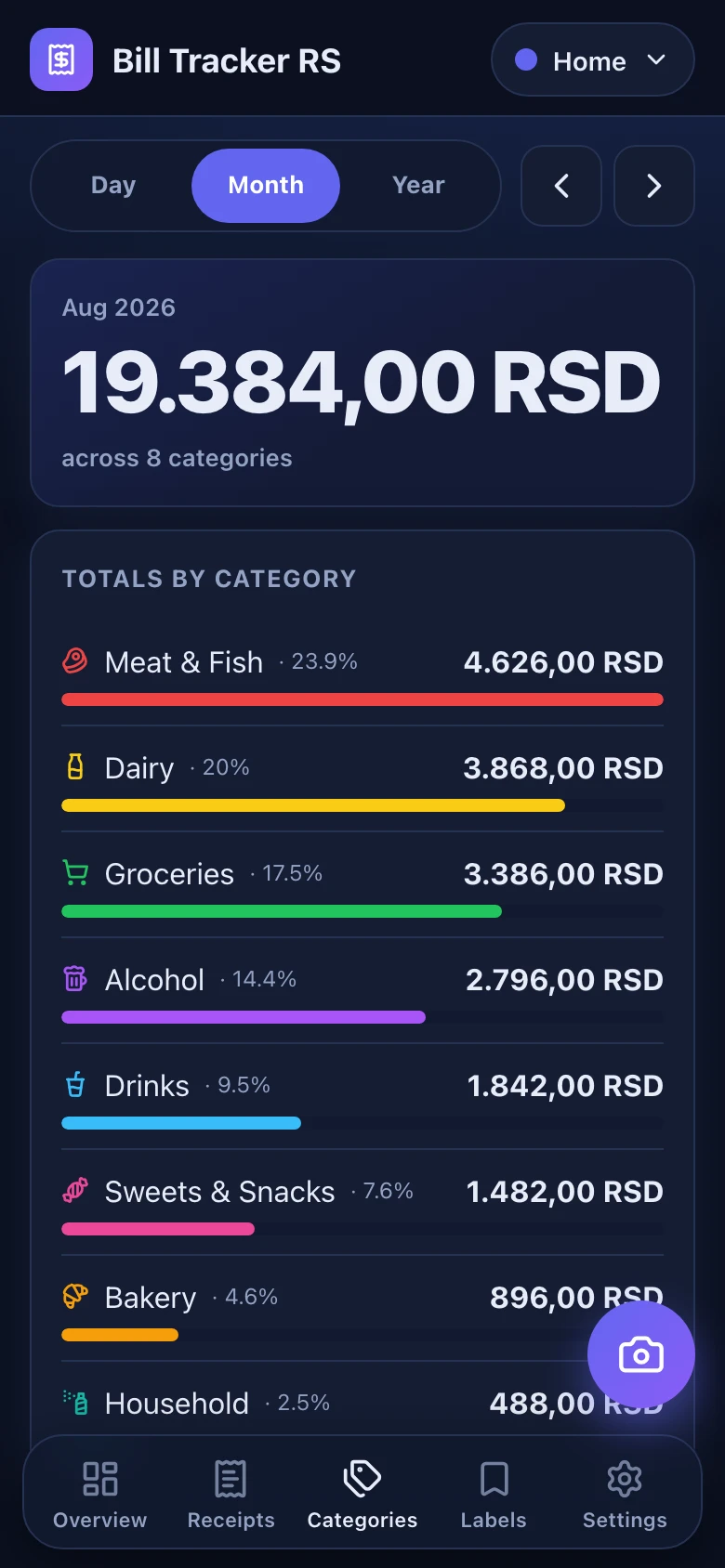
Every item lands in a category, and the totals for the day, the month and the year add themselves up.
What you get
Categories and rules
Every item gets a category from a rule you can edit. Correct it once and the rule applies to the receipts that come after.
Day, month, year
Totals for any period, next to the period before it, with a trend you can step through.
Where the money goes
Totals per merchant for the period you are looking at, largest first.
Search that knows both scripts
ćevapЋевап
Search compares normalized text, so neither the script nor the diacritics get in the way.
The original tape
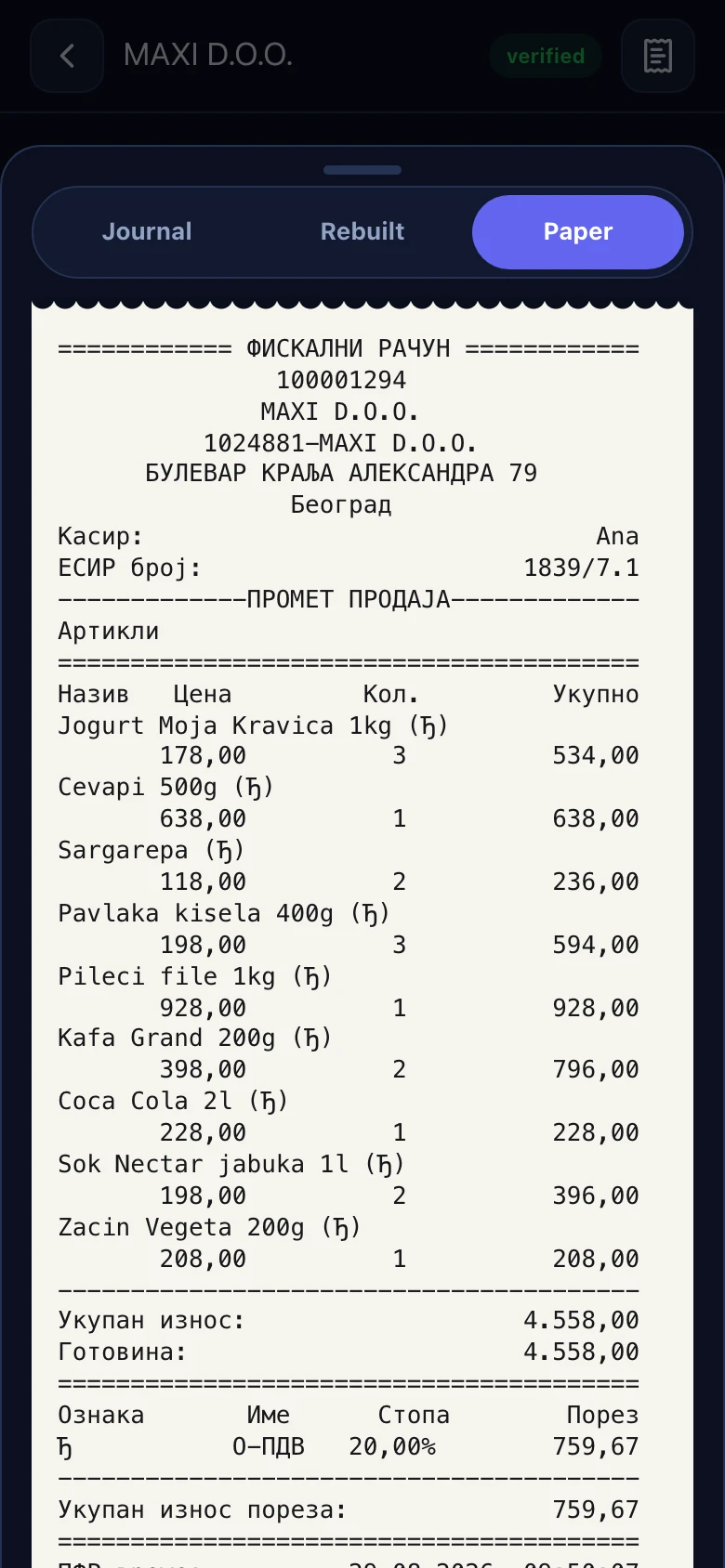
The printed receipt is kept exactly as it was issued, beside the parsed lines, so you can always compare the two.
What this is built on
The data comes from the official verification
Bill Tracker RS does not read a photo and does not guess. The receipt is fetched from the tax authority's own verification service, and the verdict it returns is stored alongside it.
22 checks on every receipt
The arithmetic is re-done: the sum of the lines against the total, the derived VAT against the reported VAT, the payments, the amounts printed on the tape. If something disagrees you are told which check failed.
Run on our own infrastructure
The service is ours to operate. No third-party analytics, no data handed to anyone else.
Your receipts are not the product
No ads, no tracking scripts, nothing sold on. Not in the app, and not on this page.
Both scripts. Three clients.
Choose Cyrillic or Latin and the choice holds everywhere — in the app, in the category names, in the error messages. The Latin catalogue is generated from the Cyrillic one rather than typed twice, so the two scripts cannot drift apart.
All three are in the same closed beta.
Request access
Bill Tracker RS is in closed beta. Access is by invite — leave your email address and we will come back to you.